
An agronomy agent that shows its math.
Fieldhand AI talks with growers and advisors about their fields. The rates it gives are computed by software tools, not written by the language model, so the same field data give the same answer.
- Reads your question and the field’s records
- Calls the tools that compute the numbers
- Explains the result in plain language and names the source
- Unit and oxide conversions, such as P₂O₅ = 2.291 × P
- Base saturation from exchangeable cations
- Lime requirement from buffer pH, through regional guideline tables
- Ratings against the guideline for the lab’s own method
- The held-out check that decides zones or one rate
Works in any browser today.
Nothing to install. Sign up, add a field, and ask your first question.
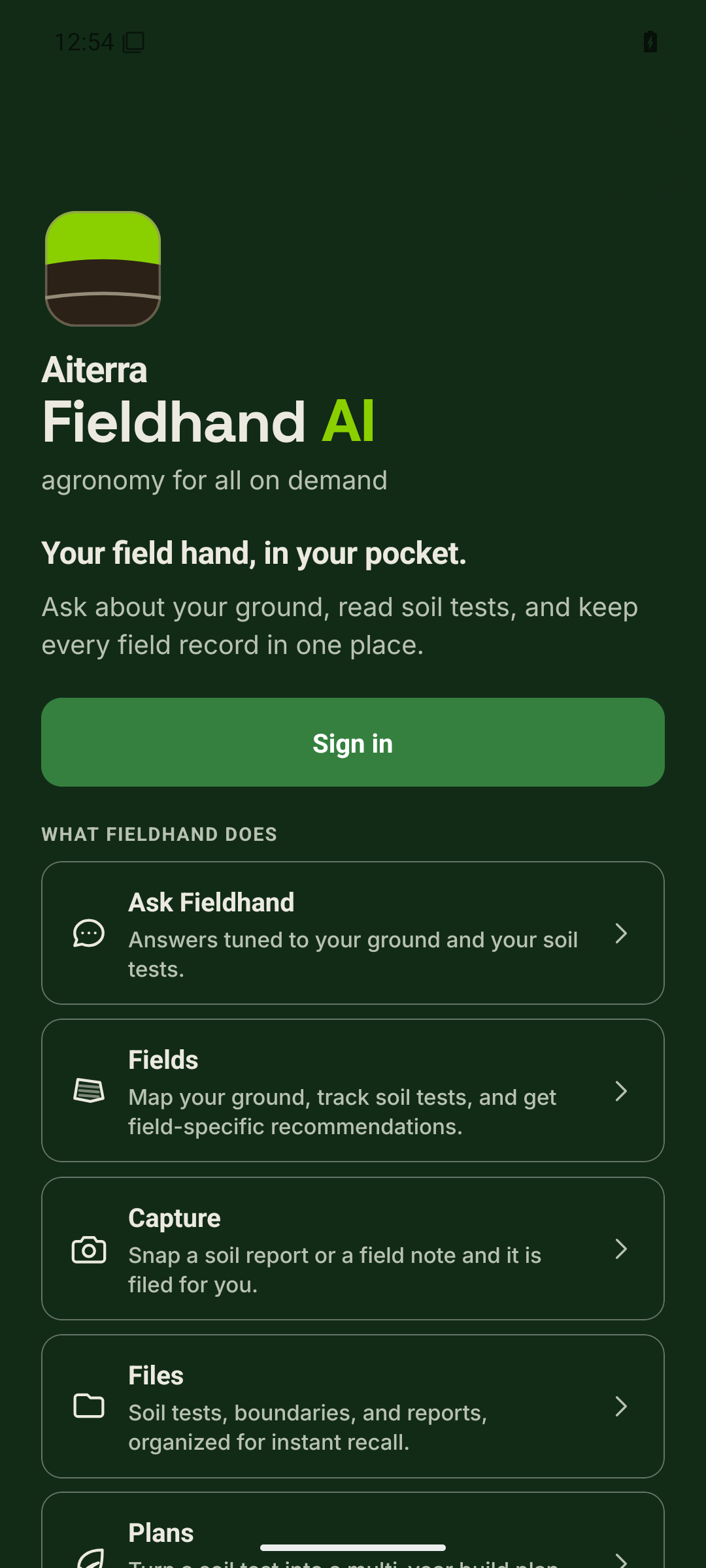
The phone app is in testing. This is its home screen.
Reports, prescriptions and what-ifs.
Each one is built from the field’s own soil tests.
Soil reports on demand
A report for one field, when you ask for it, built from that field’s lab records.
Soil reports →Seed, fertilizer and lime prescriptions
By zone where zones hold up, or one rate where they don’t.
Prescriptions →What-if questions
Change the yield goal, credit manure, or switch the lime product, and the tools recalculate.
How it works →Ask. See. Act.
The grower approves each step. Nothing is ordered without a yes.
A question about a field
The answer names the guideline it used, and a what-if recalculates with the same tools.
A prescription to inspect
Rates, acres and totals by zone, or one rate when zones don’t pay.
Approve and share
Order a soil test, approve the prescription, and email it to whoever does the work.
Growers, advisors and the people who serve them.
One grower, or an advisory practice with many accounts.
Growers
Soil reports and prescriptions for your own fields, with numbers you can check before you buy inputs.
Advisors
Agronomists and crop consultants keep every client account in one workspace, with the source behind each recommendation.
Ag service providers
Applicators work from a prescription the grower shares by email. Soil labs receive orders with the sampling plan attached.
See it on your own fields.
Create a free account, then add your first field.